
Built for Stonemason businesses
Cutting expensive stone before any money has changed hands
Take a deposit on acceptance so the material is paid for before you order it
Quotes that do not convey what the finished work will look like
Put photos of the stone and previous work on the quote itself
Material costs that swallow the margin on a fixed price
Log every delivery against the job so the real cost is visible before the final invoice
Restoration work needing a record of what was there before
Photos and notes kept against the job, with a signed sheet when the work is handed over
Everything a Stonemason needs
One app to replace the spreadsheets, paper invoices, and admin pile.
Quotes With Photos
Show the stone, the profile and previous work in a gallery at the end of the quote.
Deposits on Acceptance
A deposit invoice is raised the moment the customer accepts, so the material is funded.
Purchase Orders
Order stone with the price agreed in writing, tied to the job it is for.
Job Costing
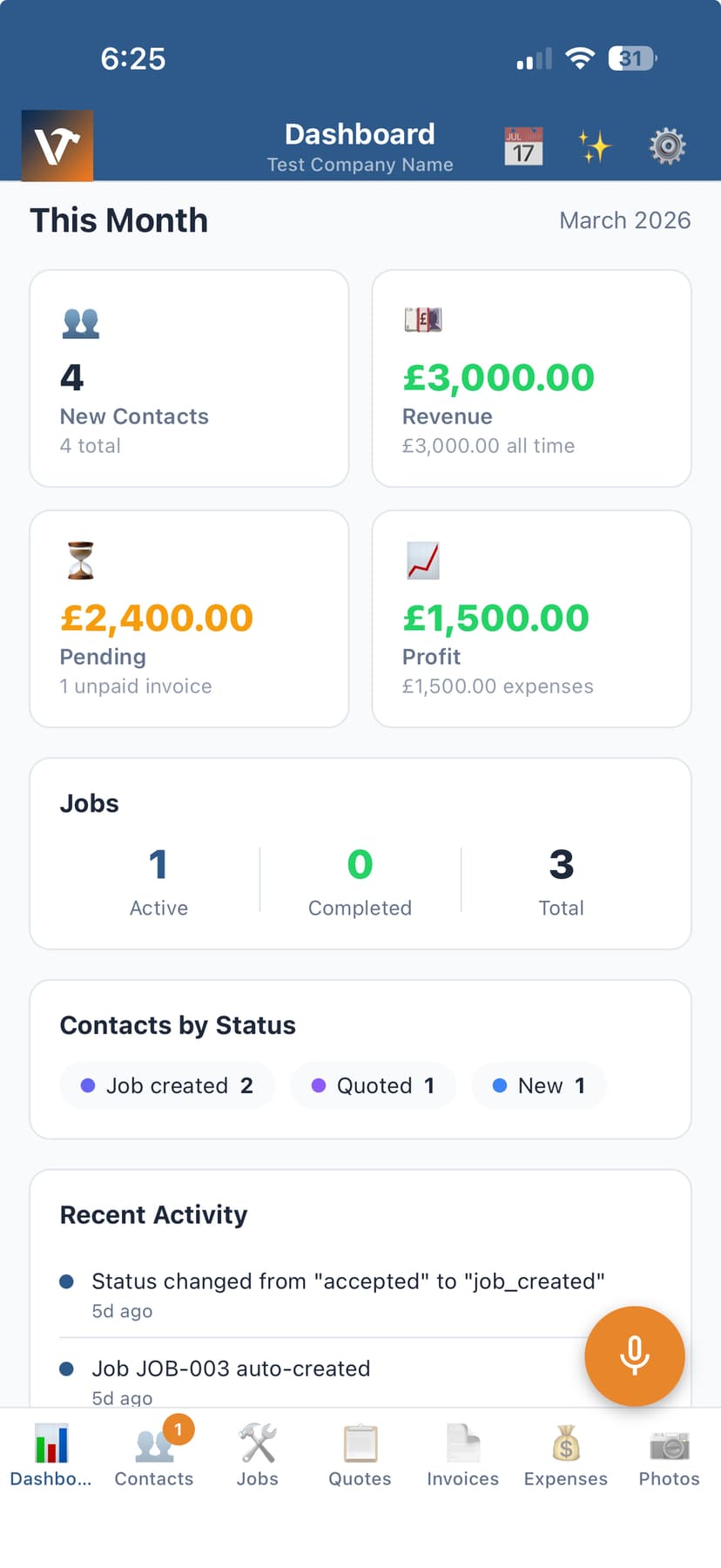
Materials, labour and delivery against the job, so you know the margin before you invoice.
Job Sheets
A signed handover record with photos of the finished work.
Mobile App
Quote and record from site or from the yard.
Stone is bought long before it is paid for, and conservation and restoration work is often priced against drawings rather than a site visit. Deposits and job costing keep that from turning into an interest-free loan to the customer.
Frequently asked questions
Can I take a deposit before ordering material?
Yes. Set a deposit percentage on the quote and a deposit invoice is raised as soon as the customer accepts, so the stone is funded before you order it.
Can I put photos on a quote?
Yes. Photos print as a gallery at the end of the quote, which is the easiest way to show a customer the stone and the finish they are buying.
Can I see the margin on a job?
Yes. Log materials, deliveries and labour against the job and compare them with what you quoted and invoiced.