
Built for Groundworker businesses
Plant hire running on while nobody is tracking what it has cost
Log hire costs against the job as they come in, so an overrun shows up in the margin straight away
Muck away and aggregate tickets that never make it to the office
Photograph the ticket on site and it is logged against the job before it can be lost
Waiting for the end of a dig to invoice anything
Invoice in stages against the programme, so cash comes in while the plant is still out
RAMS needed before you can get on site
Generate a site-specific RAMS document in minutes rather than editing last year's
Everything a Groundworker needs
One app to replace the spreadsheets, paper invoices, and admin pile.
RAMS Documents
Site-specific risk assessments and method statements, generated for the job rather than copied from the last one.
Projects & Stage Invoicing
Group a dig into phases, see budget against actual, and invoice each stage as it completes.
Expense Tracking
Plant hire, muck away, aggregates and fuel, photographed on site and costed to the job.
Purchase Orders
Order stone, concrete and hire with the price agreed up front, tied to the job.
Job Sheets
A signed record of what was done each day, which is what a main contractor wants at valuation.
Team Scheduling
Put the right gangs on the right sites and see the week on one board.
Groundworks margins disappear in plant hire and muck away, and both only become visible if they are logged as they happen. Everything here is built to be captured on site rather than reconstructed from a pile of tickets.
Frequently asked questions
Can I see whether a job is making money before it finishes?
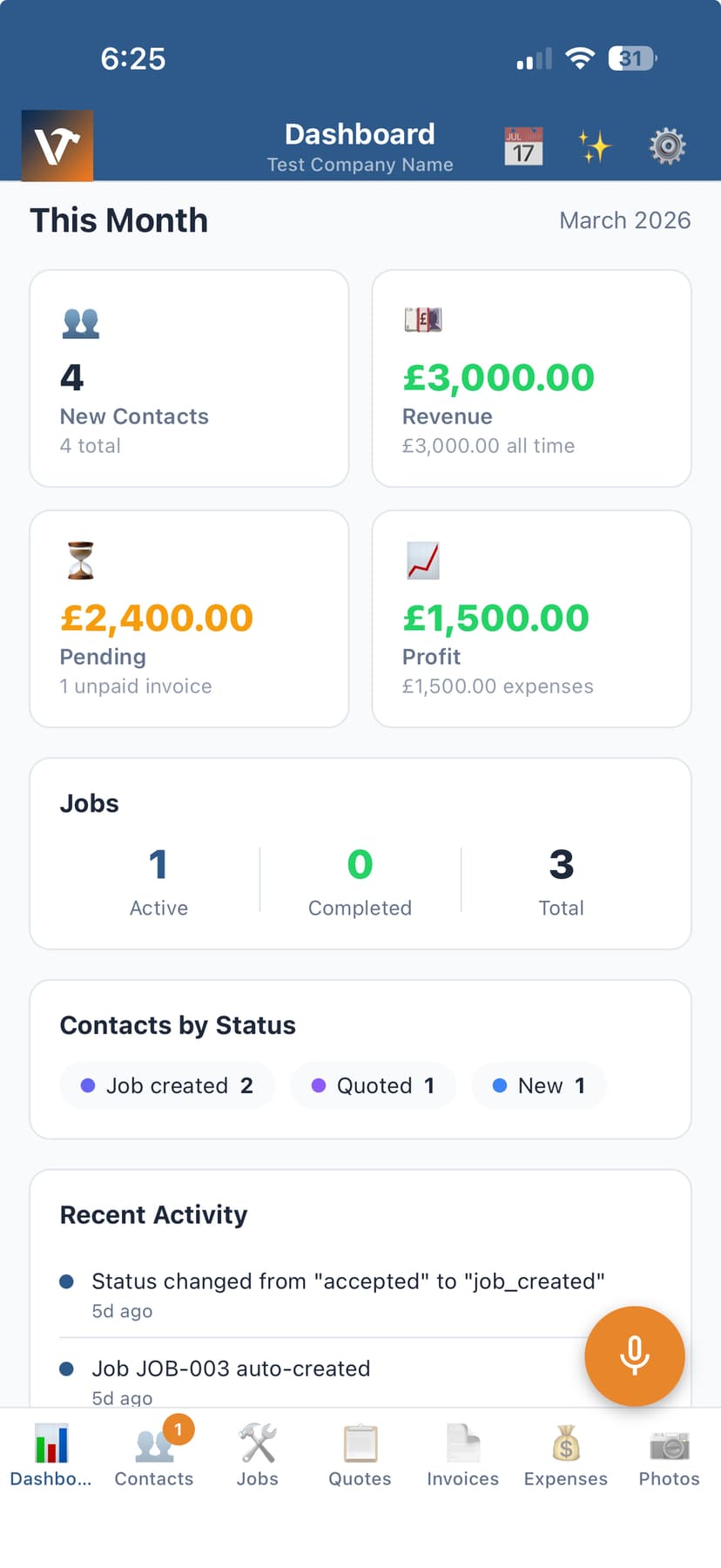
Yes. Costs logged against the job - plant, materials, muck away, labour - show against what you have invoiced and what you priced, so an overrun is visible while you can still act on it.
Can it produce RAMS for site?
Yes. Generate a site-specific risk assessment and method statement for the job, edit the wording, and send it as a PDF before you mobilise.
Does it handle applications and stage payments?
Group the work as a project with phases, and invoice each stage as it completes. Budget against actual is shown per phase.